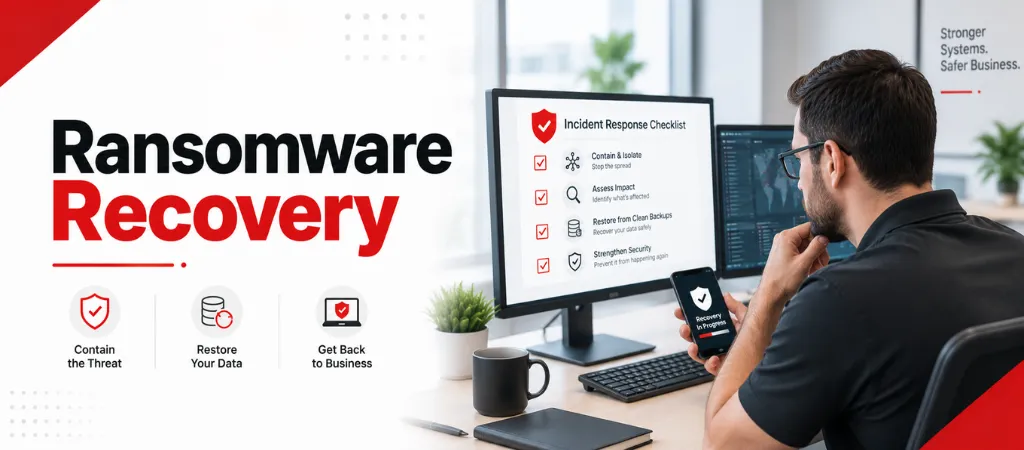
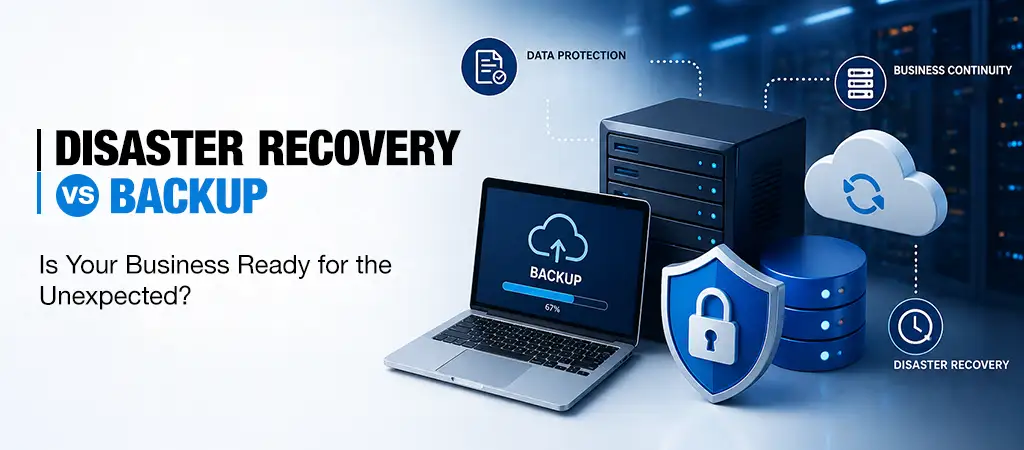
If your business has just discovered a ransomware attack, the single most important thing to understand is that what you do in the next 24 hours has a direct impact on how much data you lose, how long you’re down, and how much the incident ultimately costs. This guide walks through a clear, hour-by-hour response sequence for the first day of a ransomware incident — written for business owners and office managers, not just IT specialists — along with what to avoid and how to prepare so you never need this guide in a real crisis.
Why the First 24 Hours Matter Most
Ransomware spreads quickly across connected drives and shared systems, often within minutes of the initial infection. The businesses that recover fastest are consistently the ones that respond with a clear, rehearsed sequence rather than improvising under pressure. Businesses without a tested response plan often spend weeks or months in recovery, while those with immutable, verified backups and a practiced containment process can in some cases restore critical functions within 24 hours.
Hour 0: The Moment You Discover an Attack
The moment ransomware is discovered — typically a ransom note or files that suddenly won’t open — the first action is containment, not investigation. Disconnect the affected device from the network immediately (unplug the network cable or disable Wi-Fi), but do not shut the machine down completely. Some ransomware variants leave forensic clues in active memory that help investigators understand what happened; powering off can destroy that evidence.
Hours 0–2: Containment
Disconnect all suspected infected devices from the network — Wi-Fi and wired connections both.
Identify which systems are encrypted and which remain clean; isolate anything showing early signs of compromise.
Do not attempt to log into other systems using potentially compromised credentials — assume passwords may need to be reset.
Alert your internal incident response contact or managed IT/security provider immediately. This is not a step to delay while trying to fix it yourself first.
Take photos or screenshots of the ransom note and any on-screen messages for documentation and law enforcement purposes.
Hours 2–6: Assessment and Notification
Contact your cyber insurance carrier as early as possible — many policies require early notification, and carriers often have direct access to experienced incident response resources.
Begin assessing whether data was exfiltrated (stolen) in addition to encrypted — a growing tactic known as double extortion, which changes both your legal obligations and your response.
Loop in legal counsel, particularly if client, patient, or employee data may have been affected — this can carry breach notification obligations depending on your industry and state.
Document a timeline of what was observed and when — this matters for insurance claims and any regulatory reporting requirements.
Hours 6–12: Backup Verification and Recovery Planning
Check whether your backups are intact and were not also encrypted or deleted — attackers increasingly target backup systems specifically before triggering encryption.
Confirm whether your backups are offline or immutable (unable to be altered even by someone with network access) — this is the difference between a fast, confident recovery and a much longer, uncertain one.
Do not restore from backup yet if the ransomware hasn’t been fully identified and removed from the environment — restoring too early risks reinfecting your systems from the same vulnerability or compromised credentials.
Hours 12–24: Beginning Restoration
Once the threat has been contained and backups verified as clean, restoration can begin — typically starting with the most business-critical systems first (email, core line-of-business software, shared files) rather than attempting to restore everything simultaneously. Credentials across the organization should be reset as part of this process, not just for accounts known to be directly affected, since ransomware incidents frequently involve broader credential compromise than is immediately visible.
What Not to Do
Don’t pay the ransom without expert guidance.Payment doesn’t guarantee data recovery, and it can mark your business as a repeat target.
Don’t contact the attackers directlywithout cybersecurity and legal guidance — professional negotiators, when appropriate, understand attacker behavior in ways most business owners don’t.
Don’t restore from backup before confirming the environment is clean— this is one of the most common and costly mistakes in ransomware recovery.
Don’t assume it’s over once systems are restored.A post-incident review and credential reset across the organization are essential before declaring full recovery.
Preventing the Next Attack
Recovery is only half the equation — prevention closes the gaps that allowed the attack in the first place. This typically includes phishing-resistant multi-factor authentication, regular patching, offline or immutable backups tested on a recurring schedule, employee security awareness training, and endpoint detection and response (EDR) tools that can catch and stop an attack before it spreads network-wide.
How Ovron Inc Supports Ransomware Recovery and Prevention
Ovron Inc provides data backup and disaster recovery services built around tested, verifiable restores — not backups that simply “run” without confirmation they’ll actually work in a crisis. Our cybersecurity services include endpoint protection, multi-factor authentication enforcement, and incident response support, so businesses have both a documented recovery plan and the tools in place to reduce the odds of needing it.
Cybersecurity and legal experts generally advise against paying without professional guidance — payment doesn’t guarantee data recovery and can encourage repeat targeting. Consult your incident response team and legal counsel before making this decision.
Check whether your backups are stored offline or in an immutable format that can’t be altered even with network access. If your only backups are on the same network as the infected systems, they may be compromised and should be verified carefully before any restore attempt.
Yes — most policies expect early notification, often within 24 hours, and many carriers provide direct access to experienced incident response and forensic resources as part of the policy.
Recovery time varies significantly based on preparation. Businesses with tested, immutable backups and a rehearsed response plan can sometimes restore critical operations within 24 hours, while those without a tested plan often face weeks or months of recovery.
Conclusion
Ransomware recovery isn’t a single fix — it’s a sequence, and the businesses that follow a clear one consistently come out better than those that improvise under pressure. If your business doesn’t yet have a documented incident response plan and tested, immutable backups, building both now is far less costly than discovering the gaps during an actual attack.
Want to know if your backups would actually protect you in a real incident?Request a Free Assessmentfrom Ovron Inc to review your backup and disaster recovery readiness.